




human + AI workflows
BrowserBash: what it is and why browser agents matter now
BrowserBash: what it is and why browser agents matter now BrowserBash sits in a broader category of browser-agent tooling that gives AI systems a real browser to use the web in a m
BrowserBash: what it is and why browser agents matter now
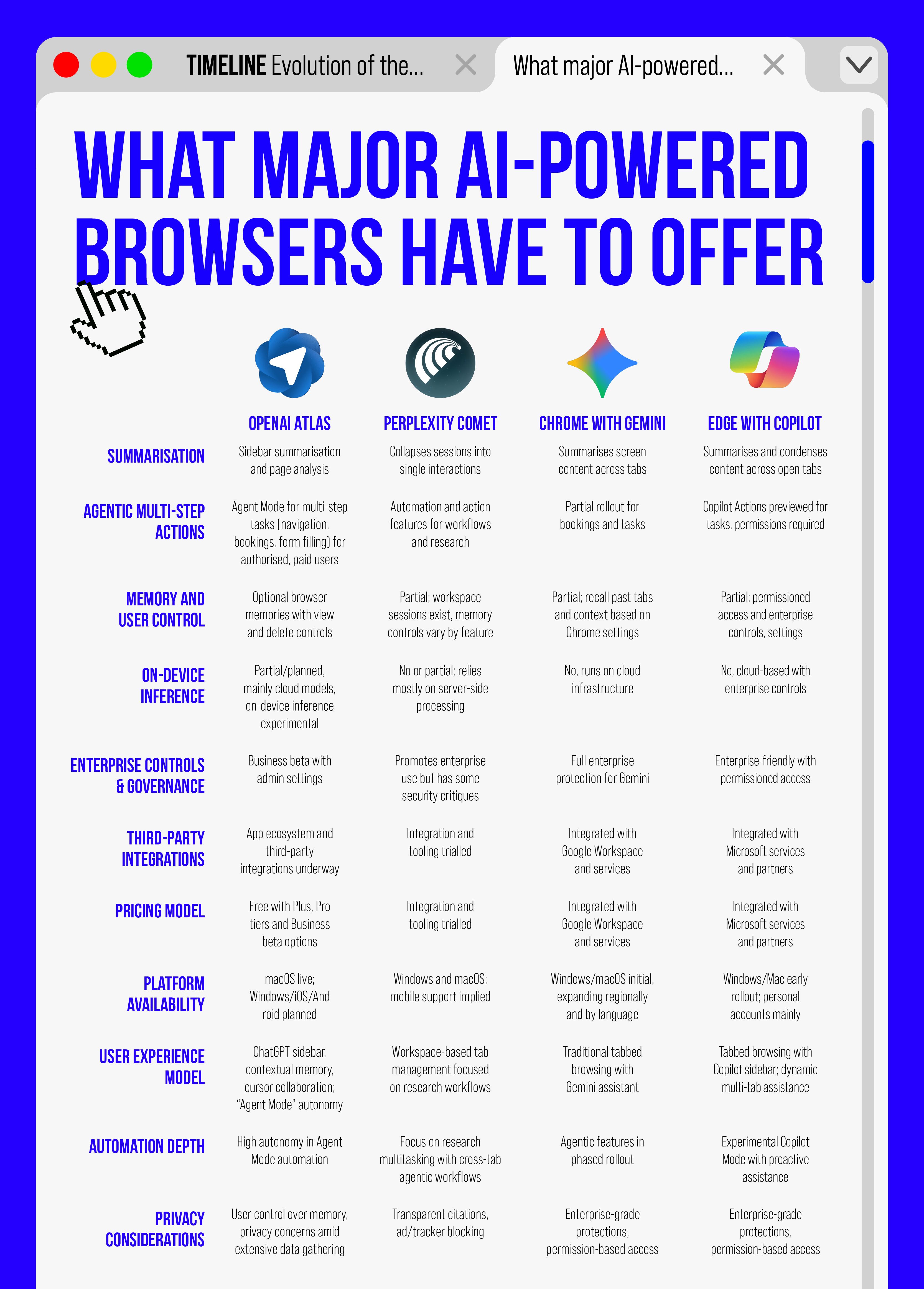
BrowserBash sits in a broader category of browser-agent tooling that gives AI systems a real browser to use the web in a more human-like way. Based on the analyzed sources around Browserbase, the core idea is simple: browser agents are meant to extend what AI systems can do in web environments, including navigating interactive websites, handling complex actions, and working across parts of the web that APIs may not cover.
For teams building AI offices, that matters because browser work is still where many real operational tasks happen. Human teams still review pages, log in, search, extract data, check flows, and move between tools. Browser agents are trying to make that work more programmable. In a workspace like Nonilion, browser actions can be easier to hand off, review, and combine with human judgment instead of remaining one-off automations.
01How BrowserBash fits into the shift from APIs to real browser workflows
Want your team to run this workflow with AI-native execution?
The sources describe Browserbase as making the web more reliable and programmable for browser-based tasks, with a browser-as-a-service approach and tools such as Search API and Fetch API. That framing is important: browser agents are not replacing APIs so much as covering the gap where APIs stop.
This is why the keywords around Browserbase repeatedly emphasize access to the whole web and using the web more like an API. The shift is from structured endpoints to real browser workflows: pages with logins, navigation, dynamic interfaces, and actions that depend on context.
For an AI office, this shift changes how work gets designed. Instead of asking, “Can we integrate this system?” the better question becomes, “Can an agent complete this browser workflow reliably, and can humans supervise the exceptions?”
02What browser agents can actually do in day-to-day work
Based on the source data, browser agents are positioned to:
- navigate interactive websites
- perform complex actions without interruptions
- work across web surfaces that APIs may not cover
- catch broken flows before users do
- research at scale
- unblock agents that get stuck
- move data at agent speed
- watch the web at once
Those are practical day-to-day capabilities, not abstract AI promises. They map to common operational work such as research, QA, lead enrichment, and support triage.
For example, if a team needs to monitor web changes at scale or check whether a flow is broken, a browser agent can help with the repetitive browsing work. If a team needs to gather information from pages that do not expose clean APIs, the browser becomes the interface.
That is also where AI offices become interesting: the browser agent does the repetitive execution, while humans focus on deciding what matters, validating edge cases, and handling exceptions.
03Where browser automation breaks down in team settings
The sources make Browserbase sound powerful, but they also imply a limitation: browser access alone is not the same as team workflow design. A browser agent can execute tasks, but teams still need coordination around ownership, review, handoff, and follow-up.
That is where browser automation often breaks down in practice:
- tasks run in isolation instead of shared context
- results are not easy to review or reuse
- exceptions get stuck with no clear owner
- browser sessions do not automatically become team processes
- one-off automation does not create durable operating habits
In other words, the browser can be a capability layer, but not yet a collaboration layer. For Nonilion-style AI office workflows, that distinction matters. A browser action only becomes operationally useful when humans and AI agents can see the same work, coordinate on it, and continue it asynchronously.
04Why orchestration matters more than raw browser access
The analyzed sources emphasize browser power: real Chromium in the cloud, identity, login persistence, production-scale access, and the ability for agents to browse and interact with the web like humans. But raw access is only the first step.
Orchestration matters more because teams need more than execution:
- task routing
- review steps
- exception handling
- repeatability
- shared visibility
- human approval where needed
This is the difference between a browser tool and an operating system for work. BrowserBash-style automation can execute a task, but orchestration determines whether that task becomes part of a repeatable team process.
That is also why AI offices are moving toward shared environments rather than isolated bots. Humans and agents need the same workflow surface if the work is going to scale.
05How BrowserBash changes research, QA, lead enrichment, and support triage
The source material points to several concrete use cases:
- research at scale
- catching broken flows before users do
- monitoring web changes at scale
- moving data at agent speed
- filling in blanks
Those map well to common team functions.
Research
Browser agents can browse, search, and extract information across the web. That makes them useful for research tasks where the web is the source of truth and APIs are incomplete.
QA
The sources explicitly mention catching broken flows before users do. That suggests browser agents can help teams test real user journeys instead of only checking backend endpoints.
Lead enrichment
When APIs do not expose enough detail, browser-based workflows can help agents gather missing context from public web pages and product surfaces.
Support triage
Support teams often need to inspect real account or product states in browser-based tools. Browser agents can help gather context faster, while humans decide the right response.
In a coordinated workspace like Nonilion, these tasks can be easier to manage because the browser work can be assigned, tracked, and reviewed as part of a shared AI office workflow rather than as disconnected automation.
06What AI offices need that browser tools alone do not provide
Browser tools are strong at access and execution. AI offices need more than that.
They need:
- shared context across people and agents
- reviewable outputs
- async collaboration
- clear handoffs
- repeatable workflows
- human oversight where judgment is required
The Browserbase sources describe a platform for agents to browse and interact with the web like humans. That is a strong foundation, but an AI office still needs the layer that turns browser actions into coordinated work.
This is where the human + AI collaboration model becomes essential. The agent can do the browsing; the team still needs a place to decide what to do with the result.
00How Nonilion turns browser actions into shared workflows for humans and AI agents
this platform fits best as the collaboration layer on top of browser capability. If a browser agent can complete a task, this platform helps turn that task into shared work that humans can review, extend, or hand off.
That matters for AI offices because browser-driven tasks rarely end at execution. They usually require follow-up:
- a human checks the result
- an agent gathers more context
- a teammate approves the next step
- the workflow continues asynchronously
In that sense, this platform is useful when browser actions need to become team workflows. A browser agent can collect data or complete a flow, but this platform is where that work becomes visible, coordinated, and reusable across the office.
08When to use BrowserBash-style browser automation versus manual work or APIs
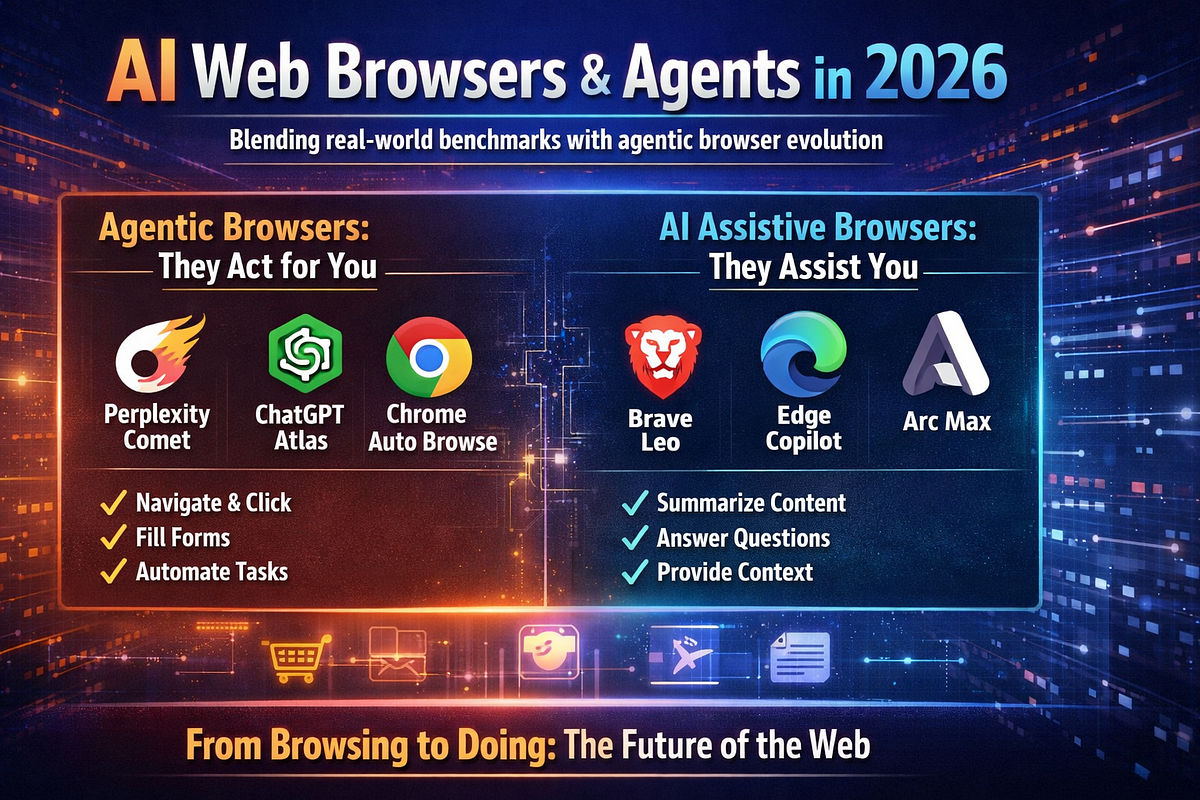
A practical decision framework based on the sources looks like this:
Use browser automation when:
- the task involves interactive websites
- APIs do not exist or cannot reach the needed surface
- the workflow depends on login, navigation, or dynamic pages
- you need to catch broken flows or monitor web changes
- the task is repetitive and browser-based
Use APIs when:
- the system exposes a reliable endpoint
- the data is structured and accessible
- speed and stability matter more than browser interaction
Use manual work when:
- the task requires nuanced human judgment
- the workflow is too ambiguous for an agent
- the cost of automation is not justified
The key is not choosing browser automation everywhere. It is choosing it where the browser is the real interface to the work.
09Where browser agents fit in the future of AI offices and operational teams
Browser agents fit naturally into the future of AI offices because so much operational work still happens in the browser. The sources frame this as a bridge between AI and the digital world, and that is a useful way to think about it.
The future is not just about agents that can browse. It is about teams that can coordinate around agent-driven browser work. That means:
- agents handling repetitive browsing
- humans handling judgment and escalation
- shared systems capturing the workflow
- teams learning from repeatable browser tasks
In operational teams, browser agents become one of the core execution layers. But the office still needs a collaboration layer to make that execution visible and manageable.
10Practical framework: from one browser task to a repeatable team workflow
A simple framework based on the source material:
-
Identify the browser task
Start with a task that already lives in a browser. -
Check whether APIs can cover it
If not, browser automation becomes more relevant. -
Define the agent’s role
Decide whether the agent is researching, checking, enriching, or triaging. -
Add human review points Make sure the workflow includes approval or exception handling.
This is the difference between a browser demo and an AI office capability.
11Conclusion: BrowserBash as a capability layer, this platform as the collaboration layer
BrowserBash-style browser automation is compelling because it gives agents access to the web in ways APIs may not cover. It can help with research, QA, lead enrichment, and support triage by making browser work more programmable.
But browser access alone does not solve team coordination. That is why orchestration, review, and shared context matter so much. In a practical AI office, this platform becomes the place where browser actions turn into human + AI collaboration: visible workflows, async execution, and coordinated follow-up.
So the strategic takeaway is simple: BrowserBash represents the capability layer for browser-native automation, while this platform represents the collaboration layer that helps make those capabilities usable inside a real team.
12Why This Trend Matters for Nonilion
This trend matters to Nonilion because it points to a bigger change: teams are moving from simple calls toward persistent, AI-supported collaboration spaces. Nonilion can bridge live presence, meeting context, avatars, and follow-up work so the trend becomes a usable workflow instead of a headline.
13Shareable Extracts
- The trend is not just "BrowserBash: what it is and why browser agents matter now" - it is a signal that team coordination is becoming the next competitive edge.
- Hot take: the teams that win from this shift will not be the ones with more meetings; they will be the ones with clearer shared context after every meeting.
- If browserbash: what it is and why browser agents matter now keeps moving this fast, remote teams need a workspace where conversation, presence, and follow-up stay connected.
- BrowserBash: what it is and why browser agents matter now BrowserBash sits in a broader category of browser-agent tooling that gives AI systems a real browser to use the web in a more human-like way.
- For teams building AI offices, that matters because browser work is still where many real operational tasks happen.
14Social Hooks
- Everyone is talking about BrowserBash: what it is and why browser agents matter now. The overlooked part is what happens to team workflows after the headline fades.
- The uncomfortable question behind BrowserBash: what it is and why browser agents matter now: are teams adapting their collaboration systems fast enough?
- This is not a meeting trend. It is a coordination trend, and products like Nonilion sit right in the middle of that shift.
15Sources and Author
Sources
-
Browserbase www.browserbase.com
-
browserbase github.com/browserbase
-
Browserbase (@browserbase) / Posts / X x.com/browserbase
-
Browserbase www.linkedin.com/company/browserbasehq
Author
This article on BrowserBash was generated by the Nonilion AI blog workflow using web research inputs and AI-assisted synthesis.