Home/Blog/OpenWorker and the shift from chatbots to outcome-driven AI work
remote collaboration
OpenWorker and the shift from chatbots to outcome-driven AI work
OpenWorker and the shift from chatbots to outcome-driven AI work OpenWorker is presented as a tool that reframes AI from conversation toward task completion. Based on the analyzed
14 MIN READ
27 Jul 2026
remote collaboration
OpenWorker and the shift from chatbots to outcome-driven AI work
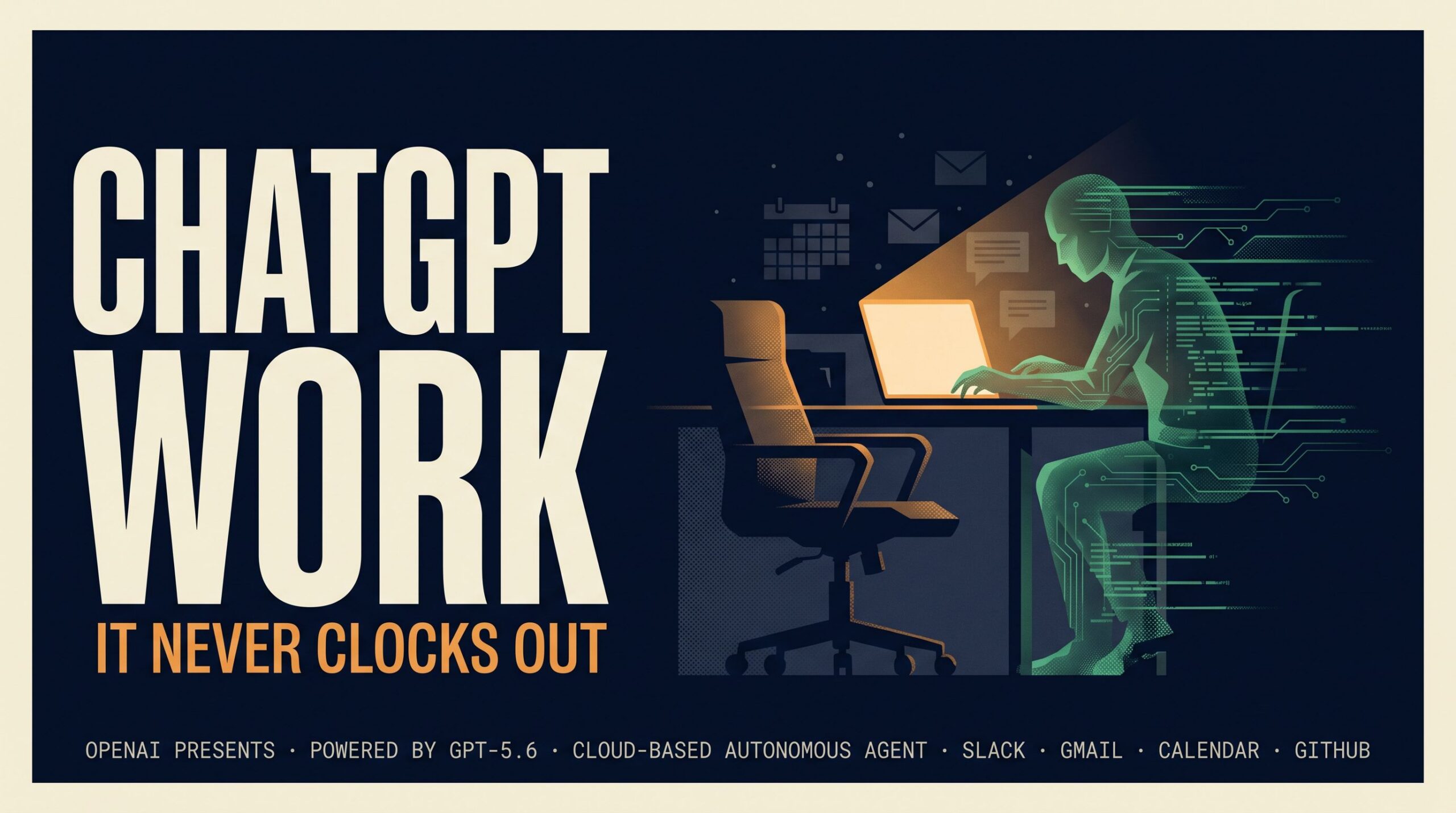
OpenWorker is presented as a tool that reframes AI from conversation toward task completion. Based on the analyzed sources, the core idea is simple: ask for an outcome, and the agent works through the steps inside the tools you already use. That matters for AI offices, where human teams and AI agents need to coordinate around real deliverables, not just draft text.
In a Nonilion-style shared workspace, that shift is important because the value is not only in what an agent can say, but in what it can finish, hand off, and document for the rest of the team.
01What OpenWorker is, and why it is getting attention now
Want your team to run this workflow with AI-native execution?
OpenWorker is described in the source material as an AI agent that runs on your own computer and works in everyday tools such as files, Slack, and calendar apps. The product messaging emphasizes “AI that gets your everyday tasks done,” which suggests a move away from generic chat toward execution.
That framing is notable for two reasons. First, teams are increasingly looking for AI that can produce finished deliverables rather than isolated responses. Second, the sources position OpenWorker as a desktop-based coworker that can operate across tools, which makes it relevant to real work beyond a standalone chatbot.
The analyzed materials also describe OpenWorker as open-source and desktop-oriented, with guidance that it can work with different models and connect to tools you already rely on. In practical terms, that means the conversation is not only about model quality. It is also about orchestration, permissions, and how AI agents fit into everyday work systems.
02How OpenWorker changes the conversation from chatbots to task completion
The clearest change OpenWorker introduces is the move from answer-based AI to outcome-oriented AI. Instead of stopping at a suggestion, the agent is positioned to carry a task through several steps, whether that means drafting a document, sending a Slack message, or updating a calendar entry.
This matters because most knowledge work is not a single question. It is a sequence of steps that crosses tools, contexts, and approvals. A chatbot can help you think, but an AI agent like OpenWorker is framed as something that can help you finish.
The source material points to this distinction:
Answer-based AI gives you text or advice.
Outcome-oriented AI works through the steps.
Desktop AI agents operate where the work already happens.
Human approval remains part of the process for important actions.
That combination makes OpenWorker more strategic than a simple automation layer. It is not just generating content; it is participating in execution.
For teams building AI offices, that distinction is foundational. A shared workspace only becomes useful when agents can move from draft to done while still leaving room for human review, especially on actions that affect customers, calendars, or internal communications.
03Why outcome-based AI matters more than answer-based AI in modern work
Outcome-based AI matters because modern work is increasingly async, cross-functional, and tool-heavy. People do not just need information; they need work moved forward across systems.
The analyzed sources suggest OpenWorker is designed around that reality. It can prepare a customer brief by pulling from a CRM, draft a report by aggregating metrics from dashboards, or triage a Slack alert by cross-referencing a runbook. Those examples show a pattern: the agent is useful when the task requires coordination across multiple sources.
This is why the shift matters strategically:
It reduces context switching.
Instead of copying and pasting between apps, the agent handles parts of the workflow.
It supports repeatable work.
Tasks like weekly reports, meeting follow-ups, and status updates can be structured around a consistent process.
It preserves human oversight.
The source material notes that OpenWorker checks in before important actions, which keeps people in control.
It aligns with async collaboration.
Work can progress even when the relevant people are not in the same meeting.
For an AI office like Nonilion, this is the practical promise: agents can advance work between human touchpoints, while the team retains visibility and decision rights.
04How OpenWorker fits into files, Slack, calendar, and desktop workflows
OpenWorker is described as working in the tools people use every day. The source data names files, Slack, calendar, and “more,” which suggests a scope centered on desktop work rather than isolated chat.
That makes it relevant to common office workflows such as:
Drafting a polished document from gathered inputs
Sending a Slack message after reviewing context
Updating a calendar entry based on a decision
Pulling together a report from multiple dashboards
Triage of alerts using a runbook
The guide-style source also highlights “deep integrations,” “event-driven triggers,” and “review & approve” as part of how the system works. That suggests OpenWorker is not just reactive; it can be set up around recurring work patterns.
The most strategic takeaway is that this kind of agent fits where work already lives. It does not ask teams to abandon their tools. It asks them to coordinate those tools more intelligently.
In a Nonilion-style AI office, that same principle is what makes collaboration visible. A human can assign a task, an agent can move it across tools, and the team can see the handoff points instead of losing the work inside a private chat thread.
05What makes OpenWorker different from simple automation or scripted workflows?
OpenWorker is presented as more than a rules-based automation system. The source material emphasizes that it can plan, act, and then ask for review before important steps. That is different from a fixed script that runs the same way every time.
The difference shows up in three ways:
1. It is outcome-oriented, not just trigger-driven
Simple automation starts with a rule. OpenWorker starts with a desired result and works backward through the steps.
2. It can adapt across tools
The source material points to files, Slack, calendar, and other connected tools. That makes it more flexible than a single-purpose workflow.
3. It keeps humans in the loop
The analyzed sources mention check-ins before important actions. That means the system is designed for control points, not blind execution.
This is where OpenWorker begins to resemble a genuine AI coworker rather than a macro. It can operate in a workflow, but it still respects the need for approval, review, and accountability.
For teams comparing options, this distinction matters. Scripted workflows are useful for predictable tasks. OpenWorker-style agents are more relevant when the work involves context, judgment, and multiple systems.
06Where human approval still matters: checks, handoffs, and control points
The sources are clear that OpenWorker checks in before important actions. That is a critical design choice because it acknowledges that not every step should be automated end to end.
Human approval still matters at several control points:
Before sending external messages
Before updating shared calendars
Before finalizing a deliverable
Before actions that affect customers or operations
Before anything that changes a team’s record of work
This is also where governance becomes part of the workflow, not an afterthought. A strong AI office needs more than capability; it needs defined handoffs.
In practice, that means teams should decide which steps are read-only, which steps can be drafted automatically, and which steps require explicit approval. The source material’s “review & approve” framing supports that model.
For Nonilion, this is especially relevant because an AI office is only useful if humans can trust what the agents are doing. Visibility, approvals, and clear handoffs turn agent work into something the whole team can rely on.
07How teams can use OpenWorker for meeting follow-ups, status updates, and document drafting
The analyzed sources point to several real-world use cases that map well to everyday team operations. These are especially relevant for async teams that need work to continue after the meeting ends.
Practical team uses
Meeting follow-ups
Turn meeting notes into next steps
Draft follow-up messages
Update task lists or calendars
Status updates
Pull information from multiple sources
Draft a concise team update
Send it to the right channel after review
Document drafting
Prepare customer briefs
Build weekly reports
Aggregate inputs from dashboards or files
Slack alert triage
Cross-reference a runbook
Draft a response
Escalate when needed
These examples show why OpenWorker is positioned as useful for operations, sales, executive assistant workflows, and marketing. The value is not in novelty; it is in reducing friction around recurring work.
For a platform-style AI office, these are exactly the kinds of tasks that can benefit from shared agent execution. A human can define the goal, an agent can prepare the draft or update, and the team can approve the final action in one visible workflow.
08What OpenWorker reveals about the future of async work and cross-tool coordination
OpenWorker points toward a future where async work is not just about messaging slower. It is about agents carrying work across tools so that people can collaborate without being online at the same moment.
That future has a few clear implications:
Work becomes more modular.
Tasks can be handed off across humans and agents.
Coordination happens through tools, not just meetings.
Review points become more important than constant supervision.
The source material also suggests that OpenWorker can be configured with different models and local-first privacy expectations. That reinforces the idea that future work systems may be less about one universal assistant and more about flexible orchestration.
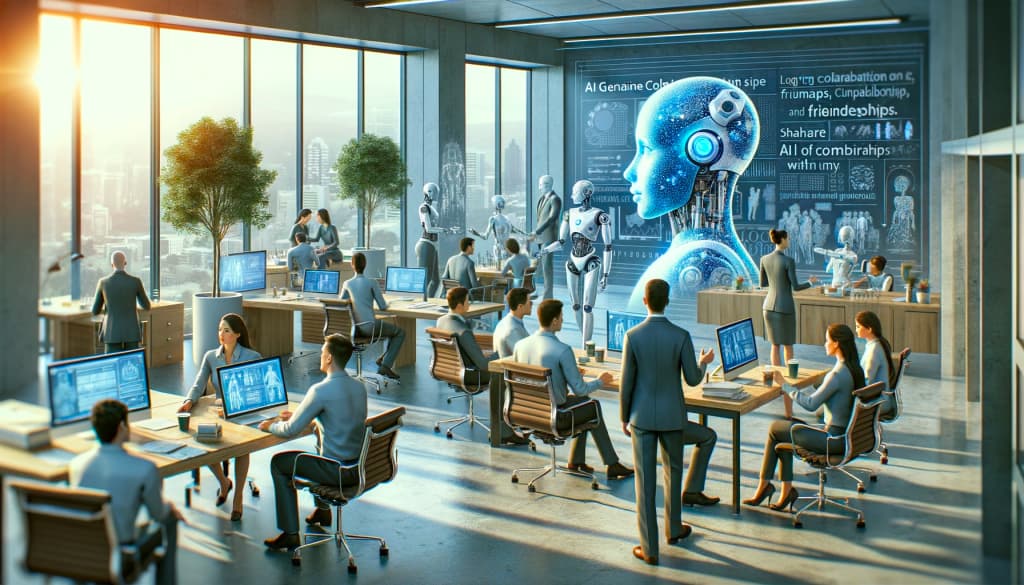
This is where the platform lens becomes useful. An AI office is not just a place where one agent works for one person. It is a shared environment where humans and AI agents coordinate across roles, documents, messages, and timelines. OpenWorker helps illustrate how that coordination might work in practice.
09What this means for AI offices like this platform: from solo desktop agents to shared team execution
OpenWorker is an example of the shift from solo AI assistance to shared team execution. The sources show a desktop agent that can work inside everyday tools, but the broader implication is bigger: once agents can complete tasks, teams can start designing workflows around them.
That is the real AI office opportunity. In a this platform-style environment, an agent is not hidden inside one person’s desktop. It becomes part of a visible workflow where the team can assign, review, approve, and reuse work patterns.
A practical AI office model would focus on:
Shared task definitions
Clear permissions
Repeatable workflows
Human approval at key points
Async execution across tools
This is how solo desktop agents evolve into collaborative systems. The agent does not replace the team; it extends the team’s capacity while keeping the work legible.
10When to use OpenWorker-style agents versus when humans should stay in the loop
A useful rule is to let agents handle the execution-heavy parts of work and keep humans responsible for judgment-heavy decisions.
Use OpenWorker-style agents when:
The task is repeatable
The inputs are already available in connected tools
The output can be drafted before approval
The work benefits from async progress
The workflow has clear steps and review points
Keep humans in the loop when:
The action is externally visible
The decision is sensitive or high impact
The context is incomplete
The task requires interpretation or nuance
The team needs accountability before action
This balance is what makes the model sustainable. It is not about replacing oversight. It is about making oversight more targeted.
For this platform, that balance is central to how an AI office should function: agents can prepare, organize, and execute within defined boundaries, while humans retain control over the moments that matter most.
11Practical adoption questions: governance, permissions, trust, and repeatable processes
Before adopting an OpenWorker-style system, teams should ask a few practical questions based on the source material’s emphasis on local execution, connected tools, and approval checkpoints.
Key questions to evaluate
Which tools should the agent be allowed to access?
Which actions require explicit approval?
What tasks are safe to automate first?
How will the team review execution logs or outputs?
What repeatable processes are worth standardizing?
These questions are not just technical. They are organizational. A strong AI office needs agreed rules for permissions and trust, especially when agents can work across files, Slack, calendars, and documents.
The most effective starting point is usually a narrow, repeatable workflow such as weekly reporting, meeting follow-ups, or alert triage. That creates a controlled environment for learning how human + AI collaboration should work.
12Conclusion: from finished tasks to coordinated workstreams in an AI office
OpenWorker matters because it pushes AI beyond chat and into execution. Based on the analyzed sources, its value is in helping people ask for outcomes, then letting the agent work through the steps inside the tools where work already happens.
That shift has broader implications for async work, governance, and cross-tool coordination. It also points toward the future of AI offices: not isolated assistants, but shared workspaces where humans and agents co-create deliverables, approvals, and handoffs.
For this platform, that is the practical lesson. The real opportunity is not just finished tasks, but coordinated workstreams where AI agents help the team move faster without losing control, visibility, or collaboration.
13Why This Trend Matters for Nonilion
This trend matters to Nonilion because it points to a bigger change: teams are moving from simple calls toward persistent, AI-supported collaboration spaces. Nonilion can bridge live presence, meeting context, avatars, and follow-up work so the trend becomes a usable workflow instead of a headline.
14Shareable Extracts
The trend is not just "OpenWorker and the shift from chatbots to outcome-driven AI work" - it is a signal that team coordination is becoming the next competitive edge.
Hot take: the teams that win from this shift will not be the ones with more meetings; they will be the ones with clearer shared context after every meeting.
If openworker and the shift from chatbots to outcome-driven ai work keeps moving this fast, remote teams need a workspace where conversation, presence, and follow-up stay connected.
OpenWorker and the shift from chatbots to outcome-driven AI work OpenWorker is presented as a tool that reframes AI from conversation toward task completion.
Based on the analyzed sources, the core idea is simple: ask for an outcome, and the agent works through the steps inside the tools you already use.
15Social Hooks
Everyone is talking about OpenWorker and the shift from chatbots to outcome-driven AI work. The overlooked part is what happens to team workflows after the headline fades.
The uncomfortable question behind OpenWorker and the shift from chatbots to outcome-driven AI work: are teams adapting their collaboration systems fast enough?
This is not a meeting trend. It is a coordination trend, and products like Nonilion sit right in the middle of that shift.
16Sources and Author
Sources
OpenWorker — AI that gets your everyday tasks done
openworker.com